Moving TVs and Electronics: A Practical Guide
Original boxes, cable photos, screen protection, and anti-static packing keep your electronics safe on an international move.
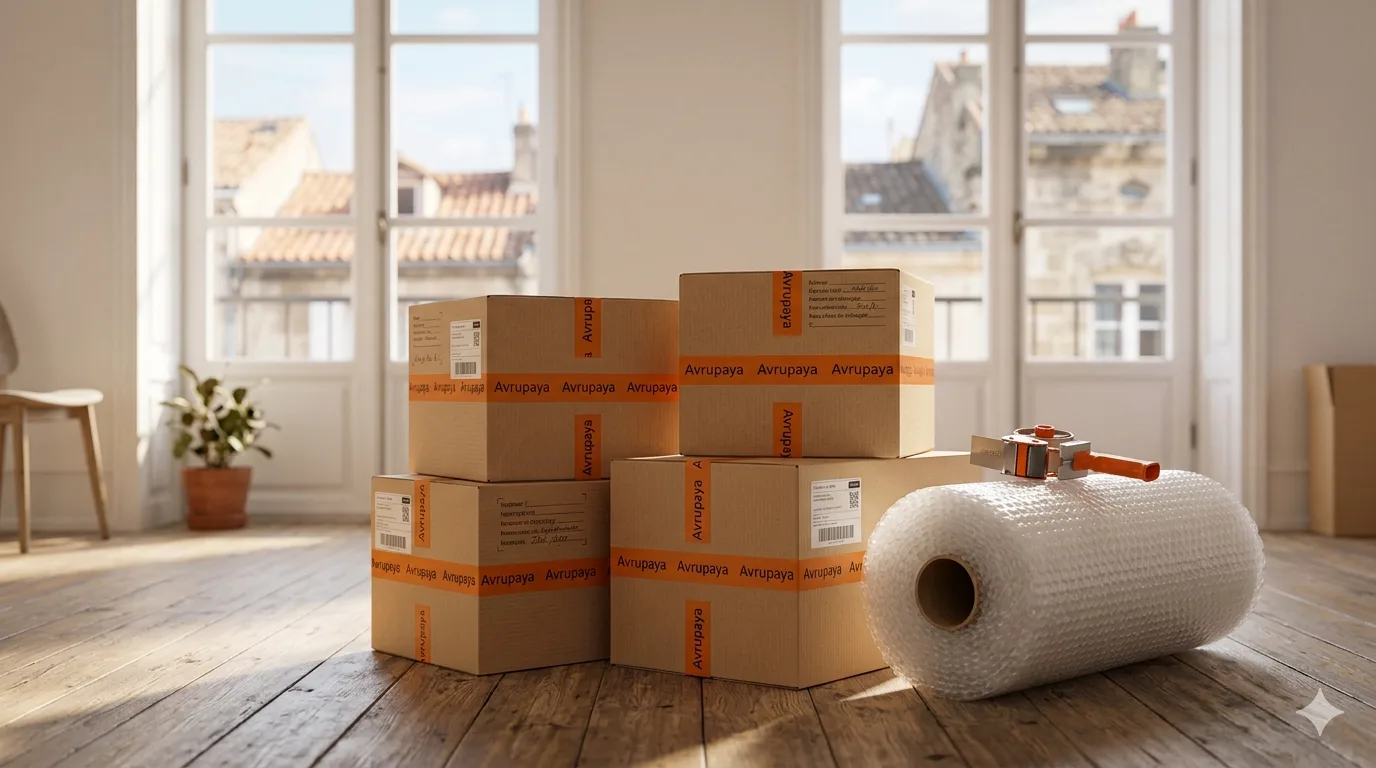
TVs, computers, and audio systems are among the most damage-prone items in any international move. Vibration, humidity, and static discharge can all cause serious harm to sensitive electronics. The good news is that the right packing techniques eliminate most of these risks.
Original Boxes and Alternatives
The safest packaging for electronics is always the original box, because the internal foam inserts are shaped precisely for the device. If you no longer have the original box, choose a double-wall corrugated box of the right size and pack it with foam or bubble wrap so that the device has at least 5 cm of cushioning on every side. Specialist TV moving boxes are available in sizes corresponding to screen dimensions and are worth buying if you do not have the original packaging.
Photograph Cable Setups Before Unplugging
Before disconnecting anything, photograph every cable connection on every device from multiple angles. These photos will save you significant time when setting up in your new home. Sort cables by device into labeled zip-lock bags or cable ties. Throwing cables loose into a box leads to tangles, damaged connectors, and confusion when reconnecting.
- Use the original box where possible — if not, use a double-wall box with at least 5 cm of padding on every side.
- Photograph all cable connections before unplugging; store photos in the cloud or on your phone.
- Pack cables by device in labeled zip-lock bags and ship them in the same box as the device.
- Wrap TV and monitor screens with display-protection foam or thick bubble wrap; add corner protectors to all four corners.
- Remove batteries from all devices — leaking batteries during long transport can cause permanent internal damage.
- Pack hard drives, RAM, and graphics cards in anti-static bags; electrostatic discharge can destroy these components.
Screen Protection and Anti-Static Measures
The screen is the most vulnerable part of any TV or monitor. Wipe it gently with a soft cloth before packing, then wrap it in display-protection foam or thick bubble wrap. Never place other items on top of the screen, and always transport TVs upright — lying flat puts lateral stress on the panel that can cause it to crack. Loose electronic components such as hard drives and graphics cards must go in anti-static bags, since electrostatic discharge can silently destroy them even without visible damage.
At Avrupaya, our professional packing service uses specialist materials for electronics with adequate cushioning on all sides. Everything travels fully insured, door to door, to your new European address.
Get a free quoteApply this guide to your move
Share your route and inventory so we can clarify the scope.
Frequently asked questions
How do I move a TV without the original box?
Buy a purpose-made TV moving box sized to your screen. Alternatively, use a large double-wall box with at least 5 cm of foam or bubble wrap on every side. Always transport TVs upright — never flat.
Why do I need to remove batteries?
Over a long transit, batteries can leak and cause permanent internal corrosion. Remove batteries from all devices and store them separately.
Which components need anti-static bags?
Hard drives, RAM modules, graphics cards, and any other standalone electronic components are sensitive to electrostatic discharge. Always use anti-static bags for these parts.
Why should I photograph cable connections?
Reconnecting a home cinema system or multi-monitor setup from memory is time-consuming and error-prone. Photos taken beforehand make the setup process in your new home straightforward.
Are electronics insured when moving with Avrupaya?
Yes, all goods we transport are fully insured. We will explain the coverage details with you before the move.